
File formats
Vector artwork (AI, EPS) or print-ready PDF with fonts outlined. Raster images at 300 DPI at final size.
Type at least 2 characters to search products, industries and guides.
Good packaging starts with good files. Here’s what to prepare — and what to do if you’re starting from zero.
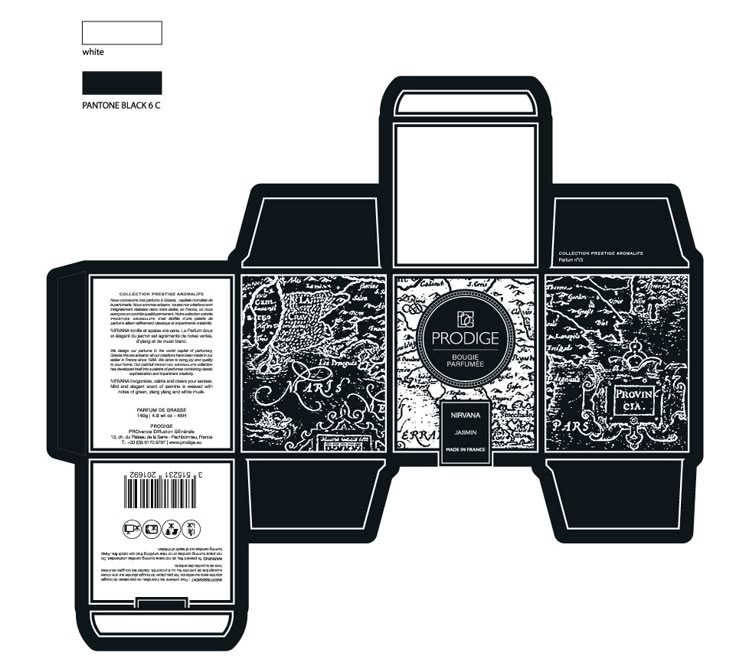
Vector artwork (AI, EPS) or print-ready PDF with fonts outlined. Raster images at 300 DPI at final size.
Extend artwork 0.125 in (3 mm) beyond the trim edge; keep critical text and logos inside the safe zone.
The flat template showing cut, fold and glue lines. If you don’t have one, choose “need guidance” in the quote form — dieline support is discussed during quoting.
Design in CMYK; spot colors noted separately. On-screen color is indicative — proofs confirm the real thing.
You’ll approve a proof before production — nothing prints without your sign-off.
Tell us about your product — we’ll take it from there.